Home > Get to know your Member Dashboard
TUTORIAL – Get to know your Member Dashboard
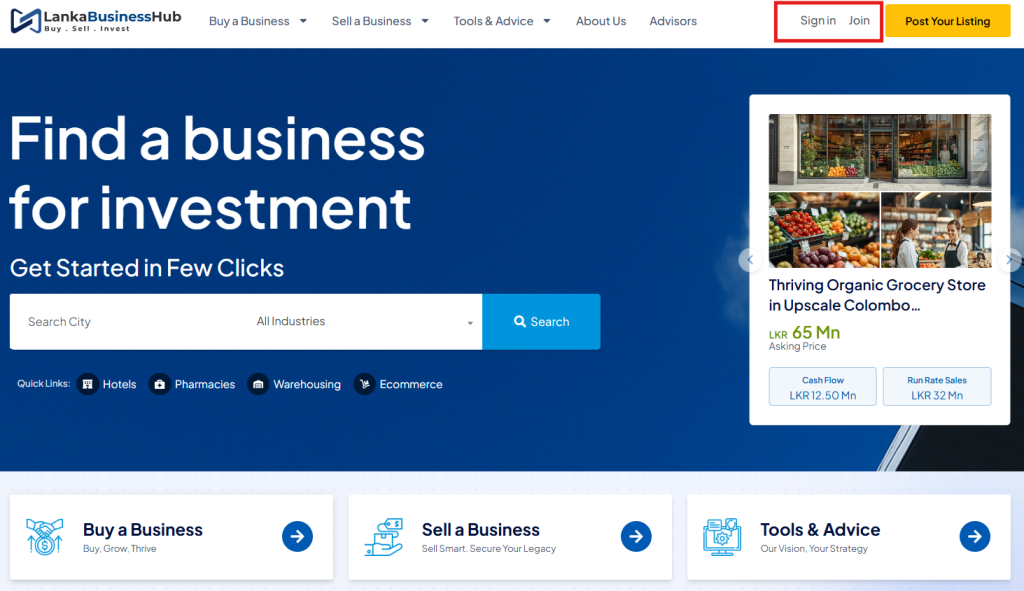
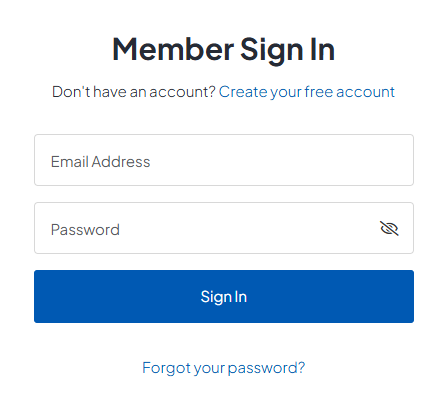
1. Sign In to Your Member Account
Visit www.lankabusinesshub.com/sign-in/
2. Click the “Sign In” (top-right corner) link.
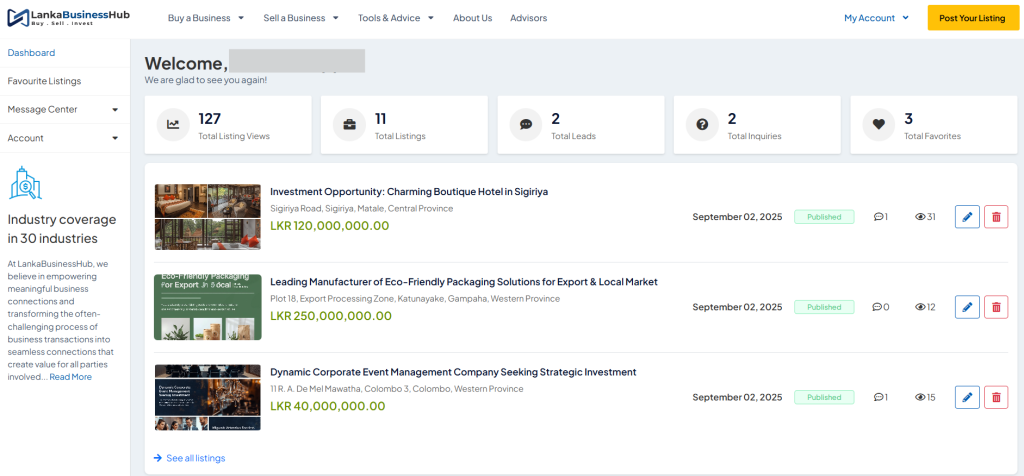
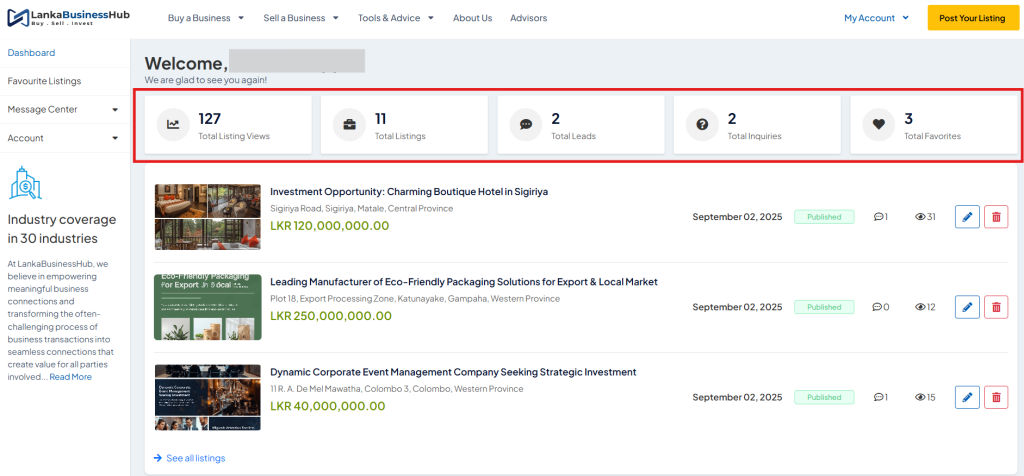
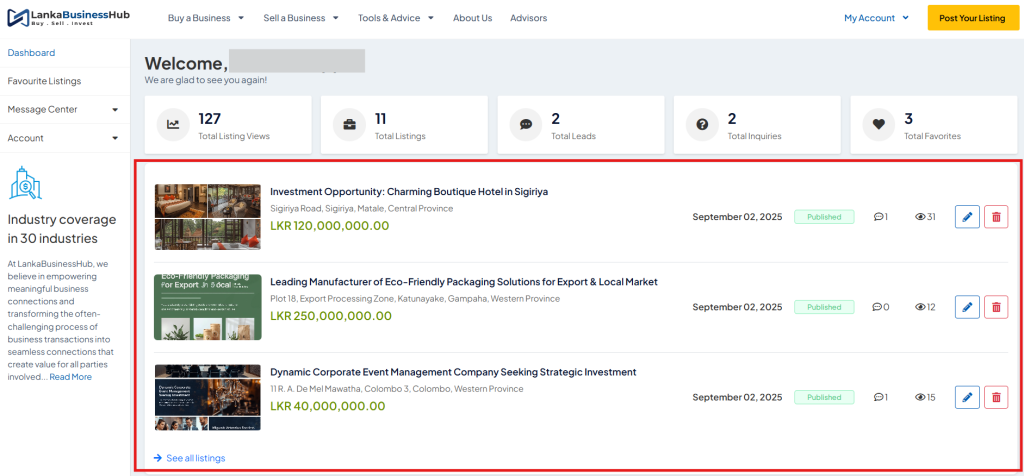
3. You will be taken to the “Members Dashboard” as soon as you sign in
4. The dashboard will give an overview of:
5. If you are a “Seller” or a “Business Broker”, your dashboard will display your previous listings or prompt you to post your first listing
October, 2026
September, 2026
How to Value Your Business Here’s a structured guide to.....
Business Plan Guide: Selling Your SME Business Executive Summary Valuation.....
Here’s a clear, step-by-step tutorial to “Search for a business.....
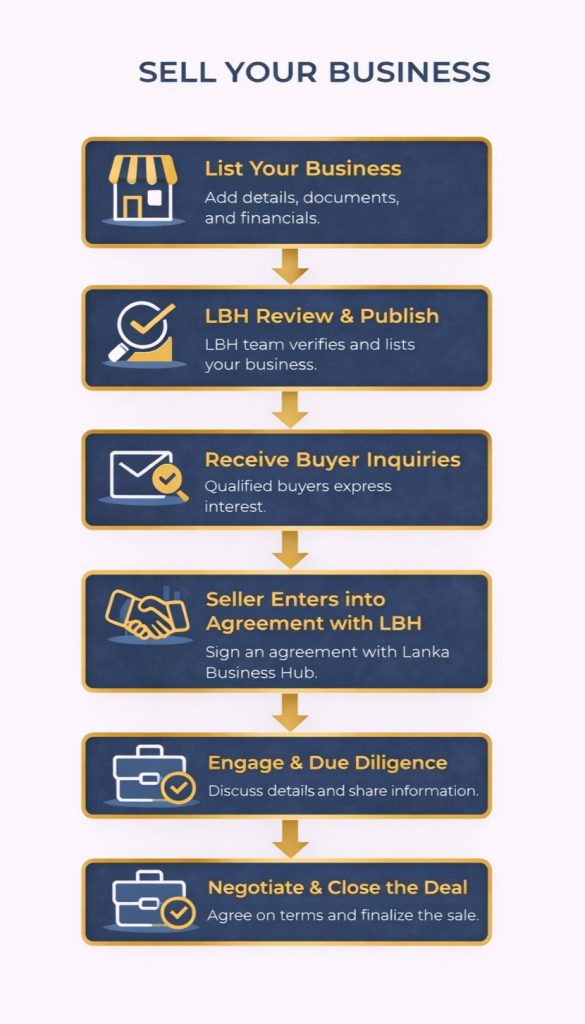
Here’s a clear, step-by-step tutorial on “How to Sell a.....